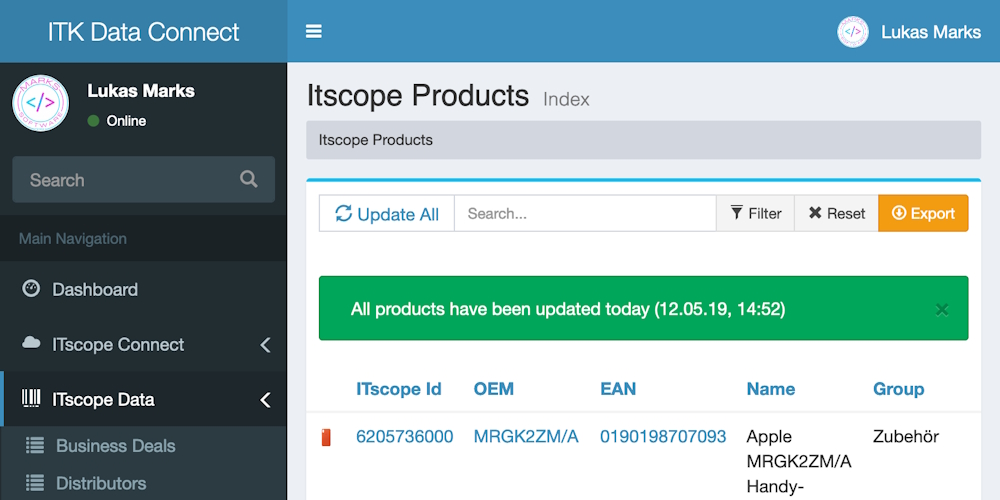
The ITscope API delivers product data, prices, availabilities, and commerce processes. Most systems do not need this data in its original format. They need it enriched, filtered, and structured in the way their own shop, ERP system, or other target system expects it. The ITK data connection builds and operates precisely this layer.
The connection works with existing ITscope user licenses. It retrieves the required endpoints, links the data with your own price lists or inventory, and passes the result on in a format that the target application can process. Whether CSV, JSON, XML, or a specific import interface is secondary in this process.
What Happens Between the API and the Target System
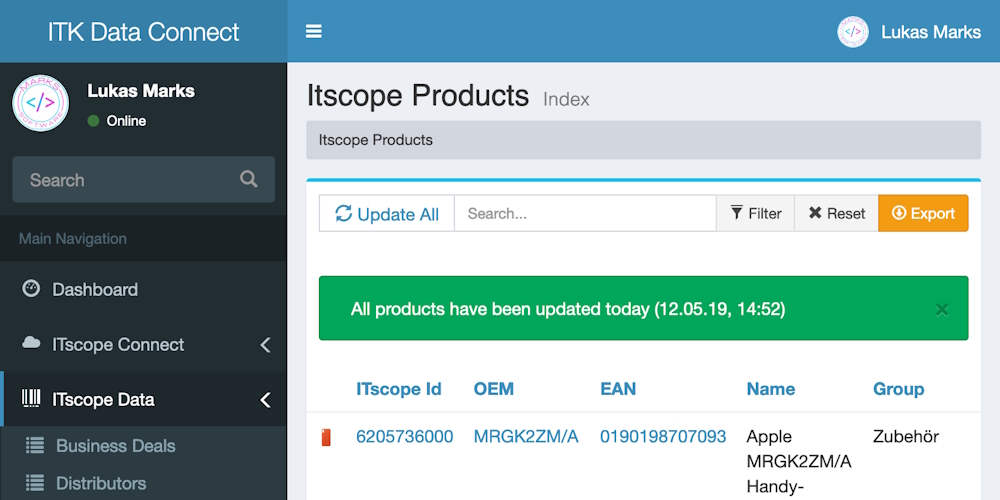
The connection operates on a multi-tenant basis. Each ITscope license can be configured separately. Product data is retrieved by OEM, EAN, or defined filters and linked with your own price lists or inventory information. The resulting object is not simply passed through; it is prepared so that the target system can adopt it without additional transformation.
Cron processes control the updates. Changes to products, prices, or availabilities are detected and transferred to the configured destinations. All API calls and exports are logged, allowing administrators to track which data went where and when.
- Multi-tenant configuration per ITscope license
- Linking of own price lists and inventory with ITscope product data
- Process-controlled updating and exporting
- Logging of all API and export activities
- User and role management for access control
- Output as CSV, JSON, or XML via the proprietary REST interface
Which ITscope Endpoints Are Connected
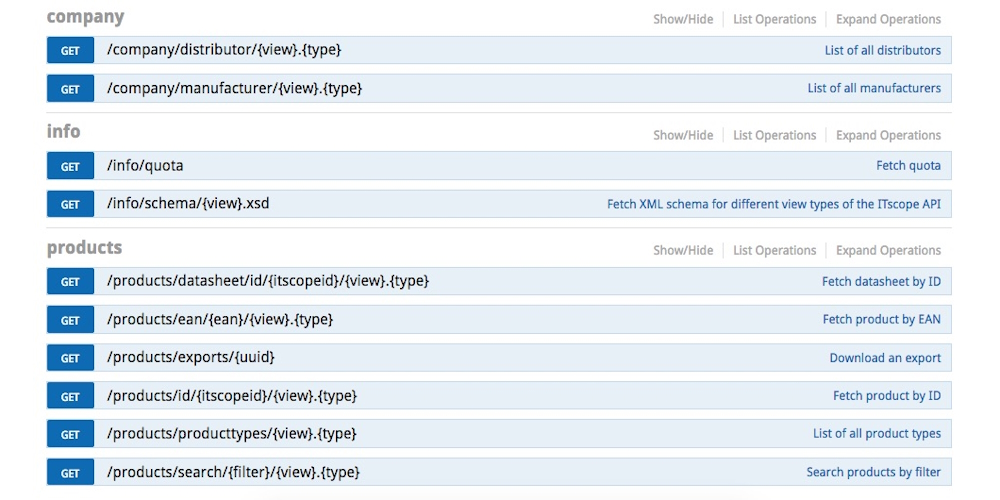
The connection utilizes the relevant sections of the ITscope API. Product data is retrieved via the products endpoints. Manufacturer and distributor information comes from the company area. Business deals, offers, and orders are processed through the business endpoints and can be returned to ITscope or transferred to your own ERP system.
License management within the connection indicates which system has retrieved how much product data. This ensures transparency regarding which tenants are consuming which resources. The connection does not replace individual distributor interfaces; rather, it reduces the number of places where data must be transformed and passed on.
- products – Product data, types, search by OEM/EAN
- company – Manufacturers and distributors
- business/deals – Offers, orders, purchases
- Return of order data to ITscope or internal systems
Target Systems and Formats
The connection is not tied to a specific shop system. Product objects are prepared in such a way that they can be passed to the target system's import interface. Whether the system provides a standardized REST interface, XML import, or CSV processing is not critical to the functioning of the connection.
Switching shop systems does not require redeveloping data acquisition. The transformation is adjusted, while the source remains the same. In addition to shop systems, data can also be transferred to enterprise resource planning (ERP) systems, marketplaces, or other internal systems.
Systems with existing import interfaces can generally be connected more quickly. The connection itself remains independent of the specific target system.
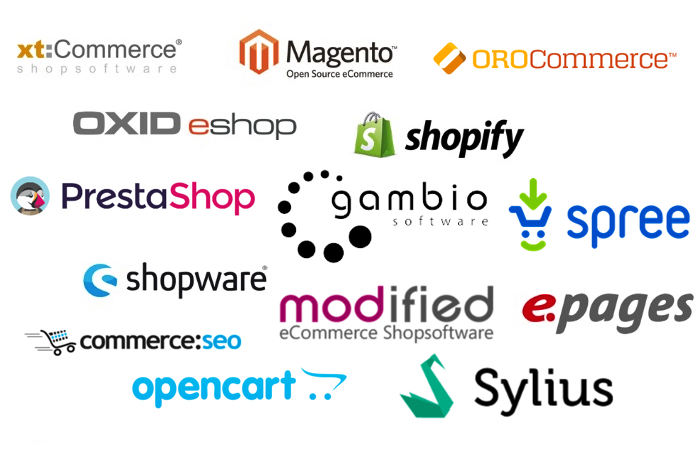
- Shopware, OXID, Magento, PrestaShop, Shopify, and others
- Inventory and ERP systems
- Marketplaces and other target systems
- Proprietary REST interface for retrieving processed data